Touch tablets have become a familiar sight in homes, offices and even retail counters, offering a blend of portability and convenience that traditional computers often struggle to match. Yet behind the sleek screens and slim profiles lie a handful of practical trade-offs that deserve proper consideration before you part with your money. From battery quirks to fiddly precision issues, understanding these limitations can help you avoid a purchase you might later regret.
In short
- Touch tablets may offer portability, but they often struggle with professional tasks that require high precision, multitasking, or extensive typing.
- The absence of a built-in, ergonomic keyboard can hinder productivity, making tablets less suitable for heavy document creation compared to laptops.
- Battery performance varies significantly between brands and models, and intensive usage like gaming or streaming can drain power much faster than manufacturer estimates.
- Operating systems impact the user experience, with iOS generally offering more optimized applications compared to the inconsistent app quality sometimes found on Android tablets.
- Touchscreen interfaces can be less precise for detailed work, leading to frustration for users accustomed to traditional mouse and keyboard setups.
- Potential buyers should carefully balance their specific needs against technical specifications and pricing to avoid overspending on features they may not utilize.
Screen Size and Usability Limitations of Touch Tablets
Why larger displays don't always mean better productivity
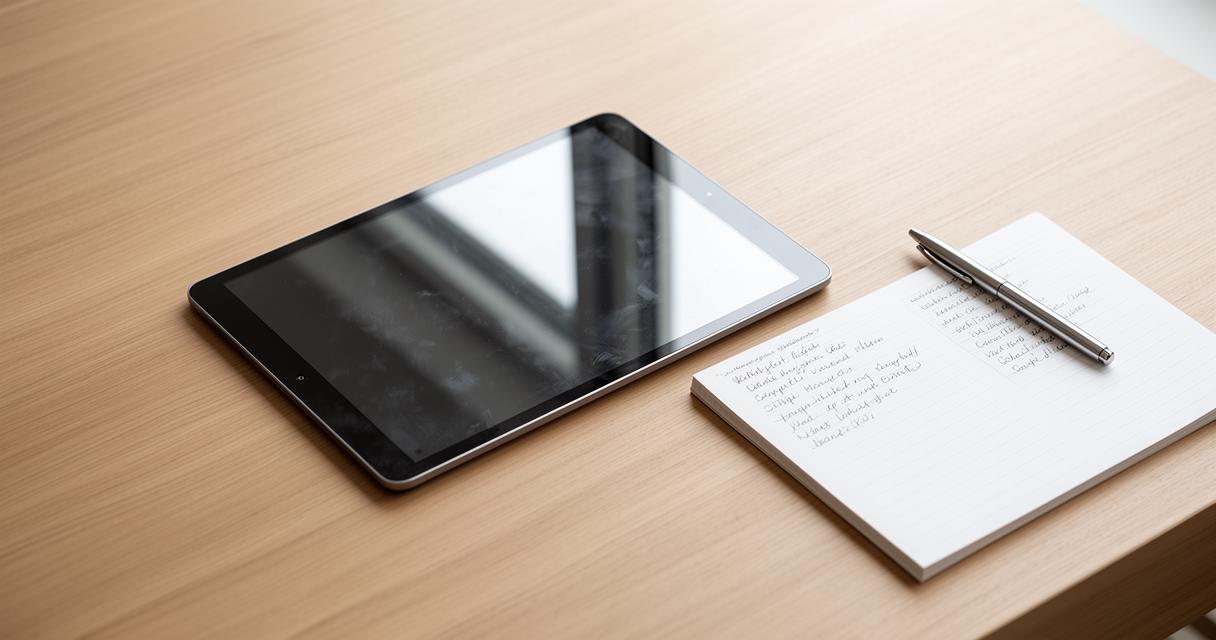
It might seem logical to assume that a bigger screen automatically translates into a better working experience, but that's not always the case with tablets. Many manufacturers now offer generously sized displays, yet the overall usability can still lag behind a proper laptop or desktop setup. This is particularly true when it comes to tasks that demand precision, multitasking or extended periods of typing. The lack of a dedicated mouse or trackpad means that navigating spreadsheets, editing documents or juggling multiple windows can feel clunky, even on a tablet with a generous display size and sharp resolution.
The keyboard dilemma: when touch tablets fall short for professional tasks
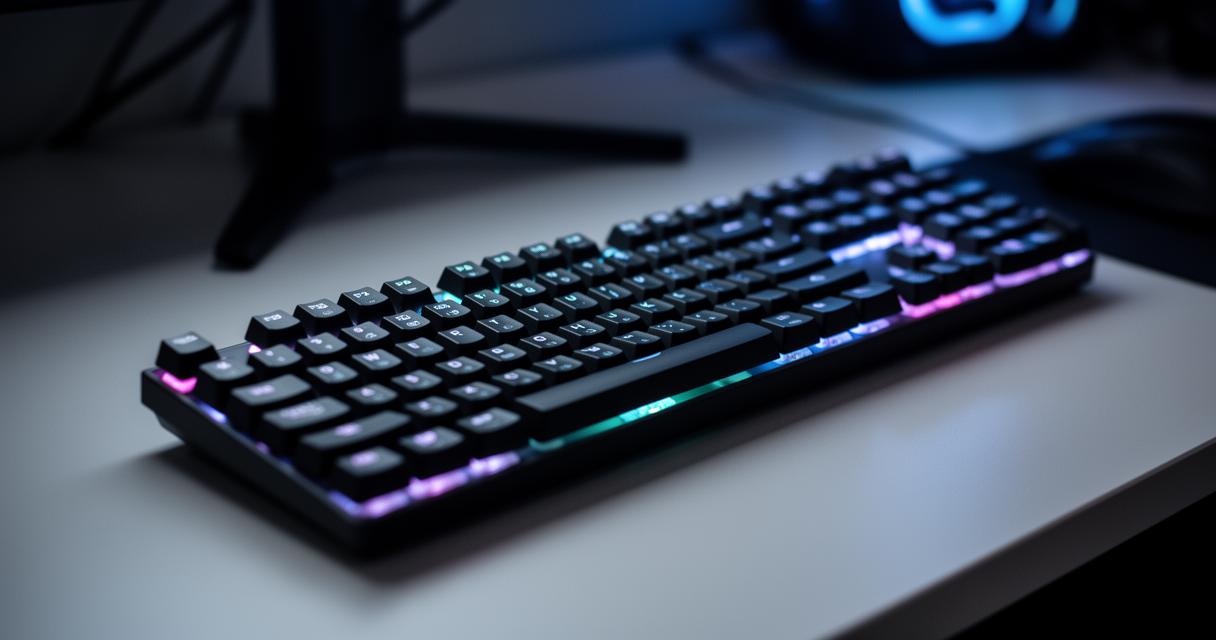
For anyone who spends hours drafting emails, reports or presentations, the absence of a proper keyboard becomes a genuine sticking point. While detachable keyboards and cases exist, they often feel like an afterthought rather than a seamless extension of the device, and typing accuracy can suffer as a result. This is one of the key reasons many professionals still lean towards touch screen laptops or non-touch models for serious work, reserving their tablets for lighter browsing, reading or entertainment. When comparing touch screen and non-touch laptop options, it becomes clear that preferences around workflow, portability and long-term comfort still favour a physical keyboard for sustained productivity, particularly for visual note-taking tasks where a stylus paired with a laptop screen can outperform a standalone tablet.
Battery life and operating system considerations across devices
Evaluating Battery Longevity: iPads, Samsung Galaxy Tabs, and Android Tablets Compared
Battery performance varies considerably depending on the brand and model you choose. Apple's iPads have traditionally been praised for their consistent battery stamina, while Samsung Galaxy Tabs and other Android tablets can differ quite a bit in how long they last on a single charge. Screen brightness, background app activity and the efficiency of the processor all play a part, so it's worth checking real-world battery performance reviews rather than relying solely on manufacturer claims. If you're the sort of person who uses a tablet for streaming video or gaming throughout the day, this factor becomes even more important, as heavier use tends to drain power far quicker than casual browsing or reading.
How Operating Systems Impact App Quality and Availability on iOS and Android Tablets
The operating system you choose has a knock-on effect on the quality and range of apps available to you. Apple's iOS ecosystem tends to offer tightly optimised applications specifically designed for tablet screens, whereas Android's more open approach means app quality can be inconsistent, with some titles feeling stretched or poorly adapted for larger displays. This is worth bearing in mind if you rely heavily on specific software for work or creative projects. Meanwhile, companies such as HONOR continue to expand their own tablet lineup, with devices like the HONOR MagicPad4 and HONOR MagicPad3 aiming to bridge some of these gaps by pairing capable hardware with a growing software ecosystem, alongside more budget-friendly options such as the HONOR Pad X9b Max and HONOR Pad X8b.
Precision, Pricing, and Making an Informed Tablet Purchase Decision
Touchscreen Precision Challenges for Seniors and Traditional Input Users
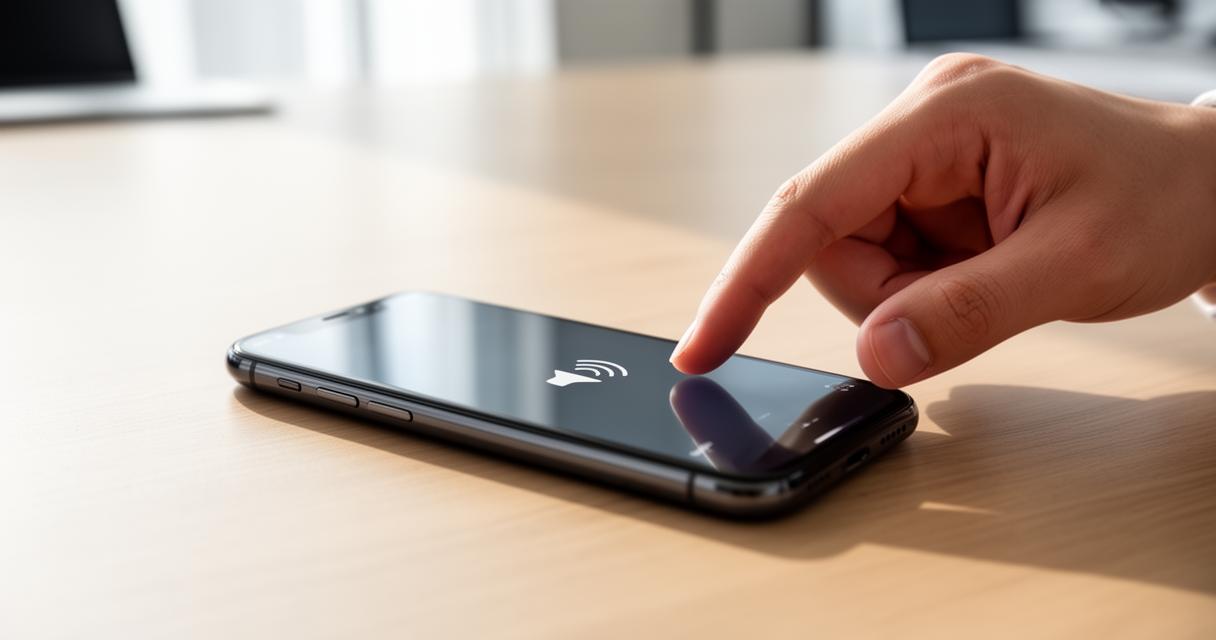
Touchscreens undeniably offer intuitive navigation, but they aren't without their quirks. Fine, detailed tasks such as precise text selection or intricate design work can prove frustrating on a touch interface, particularly for older users or those more accustomed to a mouse and keyboard setup. This mirrors a broader pattern seen across touch screen technology as a whole, including in commercial settings such as POS systems and self-service kiosks, where capacitive touch screens generally offer better clarity and multi-touch support compared with resistive alternatives, though the latter remain popular in rugged environments thanks to their durability. For everyday tablet users, this translates into occasional mis-taps, slower typing speeds and a learning curve that isn't always accounted for during the initial buying decision. Glove sensitivity and screen smudging are additional annoyances that can chip away at the overall experience, particularly for those using their device outdoors or in industrial settings.
Balancing Quality and Affordability: Finding the Right Tablet Within Your Budget
Price remains one of the most decisive factors in any tablet purchase, and the market spans everything from budget-friendly options to premium flagship devices. It pays to research thoroughly rather than jumping at the first appealing offer, as specifications such as display resolution, connectivity options and battery performance can vary wildly even within a similar price bracket. Manufacturers like TCANG, a professional custom POS system manufacturer and supplier since 2010, demonstrate how tailored hardware solutions can be designed around specific use cases, whether that's a desktop POS machine, a mobile POS unit or an all-in-one touch screen terminal built for retail or hospitality environments. Applying a similar mindset to personal tablet shopping, weighing up your actual needs against the specifications on offer, is the smartest way to avoid overspending on features you'll rarely use. Comparing models side by side, checking real user reviews and considering the total cost of ownership including accessories will ultimately help you land on a device that suits both your budget and your daily habits, whether that's casual reading, creative work or something in between.