The PlayStation 5 stands as one of the most powerful gaming machines ever produced, yet even the most sophisticated engineering can run into trouble when heat builds up inside its sleek casing. Understanding why this happens, and knowing how to spot the warning signs early, can save players from costly repairs and frustrating interruptions to their gaming sessions.
What to know
- The PS5 utilizes a sophisticated dual-intake cooling system, but its efficiency can be compromised by dust accumulation and poor environmental ventilation.
- High-performance components like the custom SSD and the GPU generate significant heat, especially during intensive gaming sessions or heavy data transfers.
- Warning signs of overheating include unusually loud fan noise, unexpected system shutdowns, on-screen temperature alerts, and noticeable drops in frame rate.
- Degradation of thermal paste over time can lead to a gradual reduction in heat transfer efficiency between the processor and the heatsink.
- To prevent overheating, users should place the console in an open, well-ventilated area and regularly clean the intake vents to ensure optimal airflow.
- Installing an M.2 SSD with an appropriate heatsink is recommended to manage the additional thermal output generated by storage expansion.
- If home maintenance fails to resolve thermal issues, professional repairs like thermal paste replacement can restore the console's cooling performance.
Understanding the ps5's advanced cooling architecture
Sony designed the PS5 with a genuinely clever approach to thermal management, using a large internal fan combined with a carefully sculpted air pathway that draws cool air in and pushes warm air back out through the rear vents. This system relies on precision engineering, but like any mechanical solution, it can be compromised over time by factors outside the manufacturer's control.
How the console's ventilation system manages heat distribution
At the heart of the cooling process sits a dual-intake fan that pulls air from both sides of the console before channelling it across the internal components. This clever distribution method helps prevent hotspots from forming around the processor. However, dust build-up remains one of the most common culprits behind reduced airflow, as particles gradually clog the intake grilles and force the fan to work harder than intended. Poor ventilation in the room where the console sits can compound this issue further, especially if the PS5 is tucked into a cabinet with limited airflow.
The Role of Internal Components and SSD Technology in Temperature Regulation
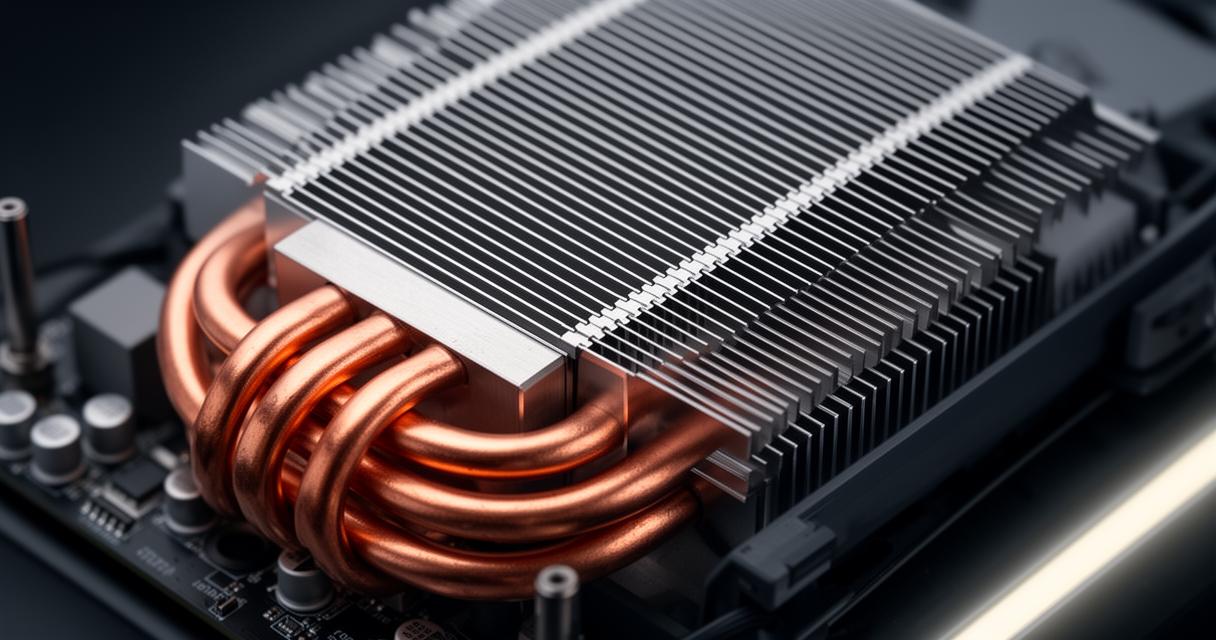
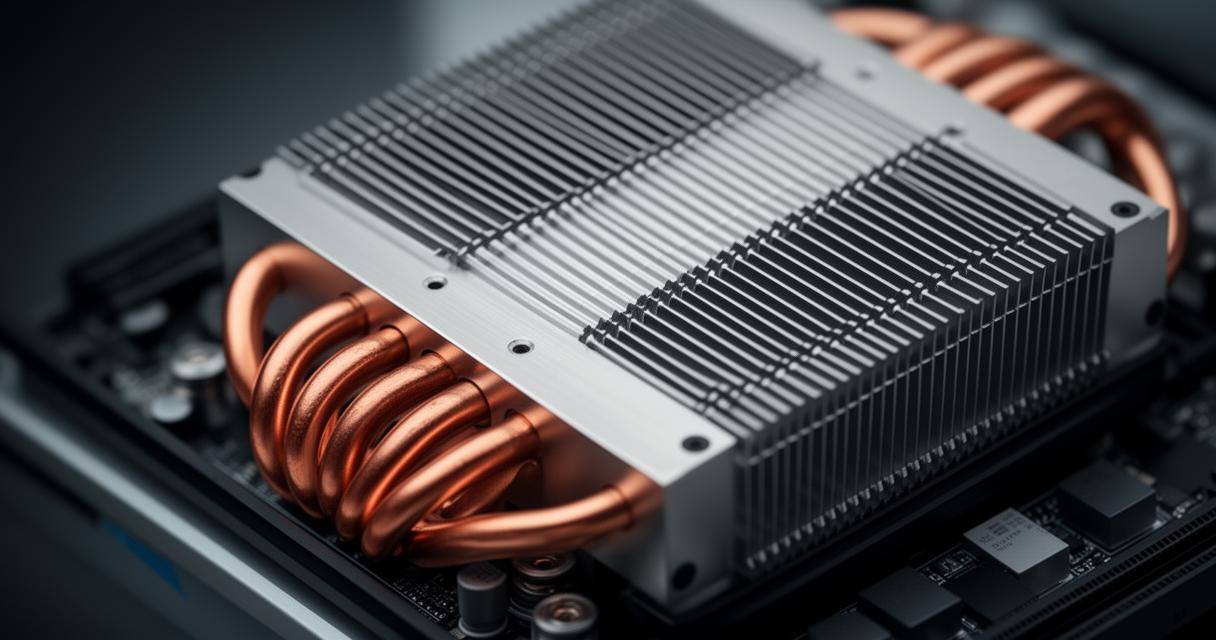
The custom SSD inside the PS5 delivers blisteringly fast load times, but this performance comes with a thermal cost, as the drive generates noticeable heat during intensive read and write operations. Alongside this, thermal paste degradation over months and years of use can significantly reduce the efficiency of heat transfer between the processor and its heatsink, leading to a gradual creep in operating temperatures that many owners fail to notice until problems become severe.
Recognising warning signs and testing console performance
Spotting the early symptoms of overheating can make a considerable difference to the long-term health of your console. Many players who visit repair specialists such as Hamptons Tech Repair in Worcester Park often describe a familiar pattern of escalating issues before their console eventually struggles to function properly.
Real-World Gaming Scenarios and Their Impact on System Temperature
Graphically demanding titles that push the GPU to its limits tend to generate far more heat than simpler, less intensive games. Players who spend hours immersed in open-world adventures or fast-paced shooters often notice their console's fan becoming noticeably louder as the system works to keep temperatures under control. Warning signs to watch for include sudden temperature warnings appearing on screen, unexpected shutdowns during gameplay, constant and unusually loud fan noise, excessive heat radiating from the vents, and a marked drop in frame rate or overall performance.
User reports and performance variations across different game types
Interestingly, feedback from gamers suggests that performance variations are not uniform across all game genres. Story-driven titles with lighter graphical demands typically place less strain on the system, whereas competitive online games with high frame rate requirements can push the hardware harder for extended periods. This variance highlights why some owners never experience overheating issues at all, while others encounter problems relatively quickly depending on their gaming habits and the types of titles they favour.
Optimising your ps5 setup to prevent overheating
Fortunately, there are practical steps every owner can take to reduce the risk of thermal problems, many of which require little more than a few minutes of attention and a sensible approach to console placement.
Storage Expansion Options and Their Effect on Heat Generation
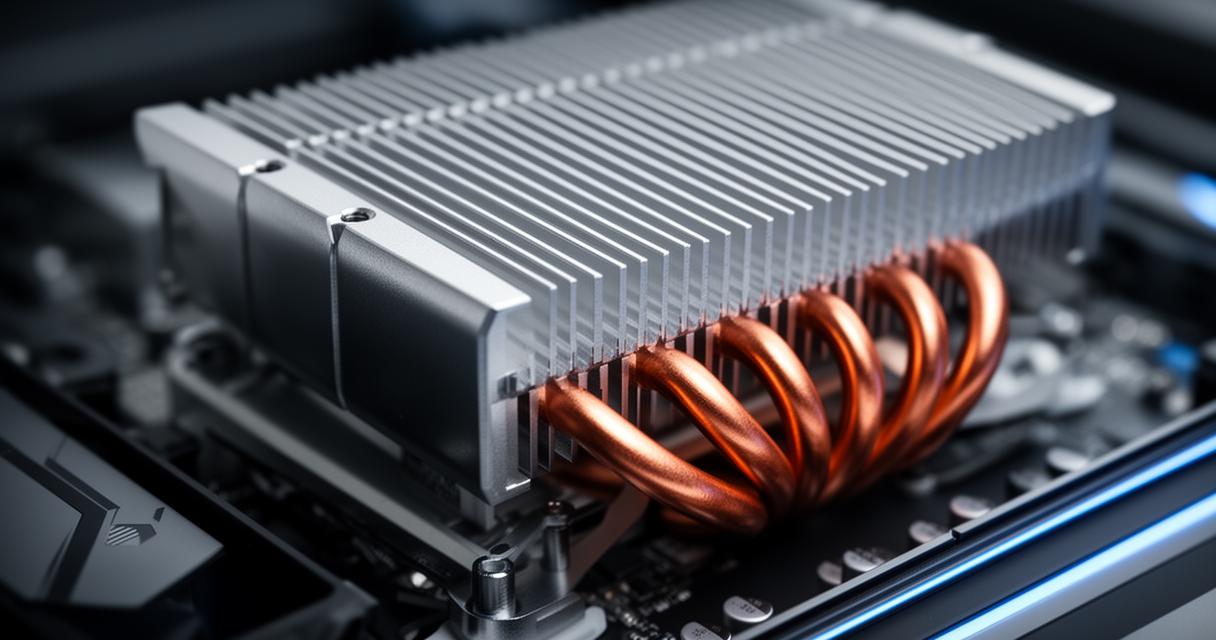
Many players choose to expand their console's storage capacity, either through an internal M.2 SSD upgrade or by connecting external drives via USB ports. While this offers welcome flexibility for storing an ever-growing games library, it is worth noting that additional storage components can contribute their own heat output, particularly during heavy data transfer. Choosing a well-ventilated internal SSD with an appropriate heatsink helps mitigate this effect considerably.
Best Practices for Console Placement and Long-Term Maintenance
Positioning the PS5 in an open space with several inches of clearance on all sides makes a substantial difference to airflow efficiency. Regularly clearing dust from the intake vents, avoiding enclosed cabinets, and ensuring the room itself is not excessively warm all contribute to healthier operating temperatures. For those experiencing persistent issues, professional thermal paste replacement often resolves the problem entirely, restoring the console's cooling efficiency to something close to its original state.
When home remedies fail to solve the problem, seeking professional help becomes the sensible option. Hamptons Tech Repair, based in Worcester Park and serving customers throughout South London including Sutton, Cheam, Ewell, Kingston upon Thames, New Malden, Wimbledon, and Epsom, offers dedicated games console repair services covering everything from PS4 and PS5 to Xbox Series X and S, Xbox One, Nintendo Switch, and even the Steam Deck. Their team provides free diagnostics on every device, with PS5 overheating repairs starting at just £49 and usually completed the same day. Every repair carries a reassuring 90-day warranty, giving customers genuine peace of mind. Alongside console repairs, the shop also handles MacBook repair, laptop repair, iPhone repair, Android repair, iPad and tablet repair, and data recovery services. Those wanting to book a repair or ask a question can call the team directly on 020 3051 1833 during business hours, which run Monday to Friday from 9am until 8pm and Saturday from 10am until 6pm, with the shop closed on Sundays. Whether it's dust build-up, fan failure, or degraded thermal paste causing your console grief, getting the issue checked early remains the best way to keep your PS5 running smoothly for years to come.