Keeping a mechanical keyboard clean is one of those small habits that makes a noticeable difference to how it feels and performs. Dust, crumbs and grime build up quietly between the keys, and before long, that satisfying click starts to feel a bit sticky. Whether you're a casual typist or someone who spends hours gaming or working, a proper cleaning routine will keep your setup looking sharp and functioning as it should.
The essentials
- Regular cleaning of mechanical keyboards is essential for maintaining hygiene, optimal typing performance, and preventing sticky keys caused by debris buildup.
- Compressed air dusters serve as an effective first step to dislodge stubborn crumbs and dust from tight spaces between keys.
- A soft-bristled toothbrush serves as an accessible alternative to compressed air for manually loosening grime from hard-to-reach areas.
- Microfibre cloths paired with a gentle vinegar and water solution are ideal for removing surface grease and fingerprints without damaging components.
- Cleaning gels offer a fun, tactile method for lifting dust and particles by conforming to the shape of the keyboard.
- Comprehensive cleaning kits provide an all-in-one solution containing swabs, wipes, and specialized sprays for users maintaining multiple devices.
- Consistent, gentle maintenance routines are significantly more effective at extending the lifespan of a keyboard than occasional deep cleanings.
Understanding the Importance of Regular Keyboard Maintenance
Why hygiene matters for your mechanical keyboard
It might not be something you think about often, but your keyboard is one of the dirtiest items on your desk. Skin cells, food particles, and general dust settle into the gaps between keys, creating a breeding ground for bacteria. This isn't just unpleasant to think about; it can genuinely affect the feel of your typing experience over time. Regular keyboard maintenance isn't simply about aesthetics, it's about hygiene and comfort too.
How a Clean Keyboard Enhances Performance and Longevity
Beyond hygiene, a clean keyboard tends to perform better. Sticky keys, unresponsive switches and odd noises are often the result of built-up debris rather than any mechanical fault. Taking the time to clean your keyboard regularly can extend its lifespan considerably, saving you the expense of replacing switches or, worse, the entire board. According to Lifehacker, consistent care through simple cleaning techniques makes a real difference to how long your hardware lasts. Lindsey Ellefson, a Features Editor at Lifehacker with a background in media and public health, has written extensively on the topic and often stresses that good tech maintenance habits are just as important as the initial purchase decision itself.
Top 5 keyboard cleaning solutions for mechanical keyboards
Compressed air dusters: your first line of defence against debris
When it comes to loosening stubborn crumbs and dust from between the keys, nothing beats a compressed air duster. These handy canisters, often priced around fifteen pounds, blast air into tight spaces that would otherwise be impossible to reach with a cloth or brush. They're a brilliant first step in any cleaning routine, dislodging debris before you move on to more detailed DIY cleaning methods. However, if you don't have one to hand, there are other options worth considering.
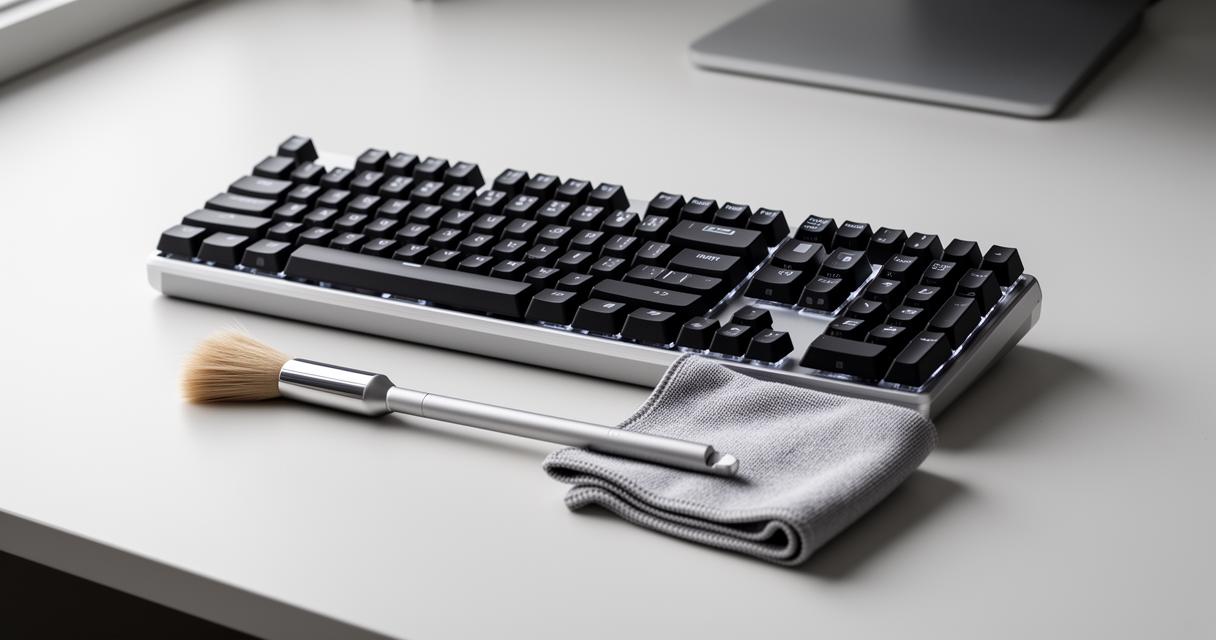
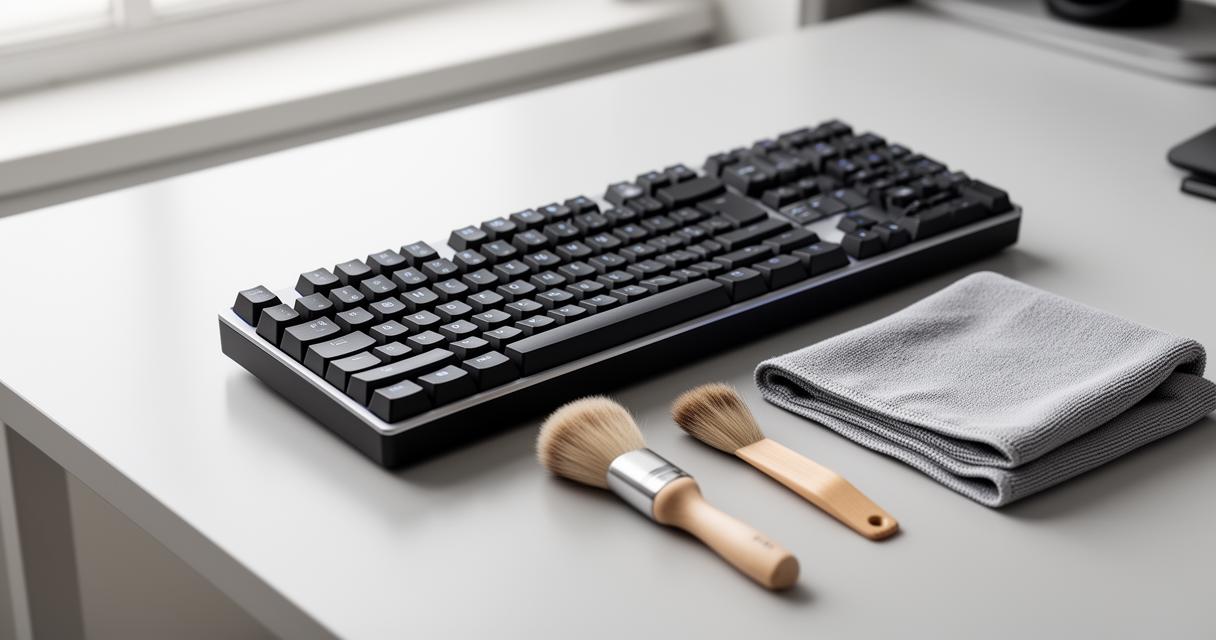
Ellefson suggests a clever compressed air alternative for those without a duster nearby. Her recommendation? A simple toothbrush. The process is straightforward: switch off your computer first, then gently brush between the keys with a soft-bristled toothbrush, adding a touch of water if the grime is particularly stubborn. This toothbrush method is time-consuming compared to a quick blast of air, but it's remarkably effective when done with care and patience.
Microfibre Cloths and Natural Cleaning Solutions for Surface Care
For the surface of your keyboard, a microfibre cloth is an excellent tool. Lightly dampened with a mixture of vinegar and water, it cleans effectively without leaving streaks or damaging the plastic casing. This natural solution avoids harsh chemicals while still tackling grease and fingerprints that accumulate over time. It's a gentle yet thorough approach that fits neatly into a broader computer care routine, ideal for wiping down not just keyboards but other electronic surfaces too.
Choosing the Right Cleaning Method for Your Setup
Portable cleaning gels: fun and effective grime removal
If you fancy a slightly different approach, cleaning gels have become a popular choice among enthusiasts. These squishy, putty-like substances conform to the shape of each key, pulling out dust and debris as you press them across the surface. There's something quite satisfying about peeling away a gel covered in grime you didn't even realise was there. It's a fun and effective method, particularly for those who want a hands-on alternative to brushes or sprays.
Alongside gels, Q-Tips remain a reliable staple for routine touch-ups. They're perfect for getting into corners and edges that larger tools might miss, making them a handy addition to your cleaning kit for quick fixes between deeper cleans.
Comprehensive cleaning kits: everything you need in one package
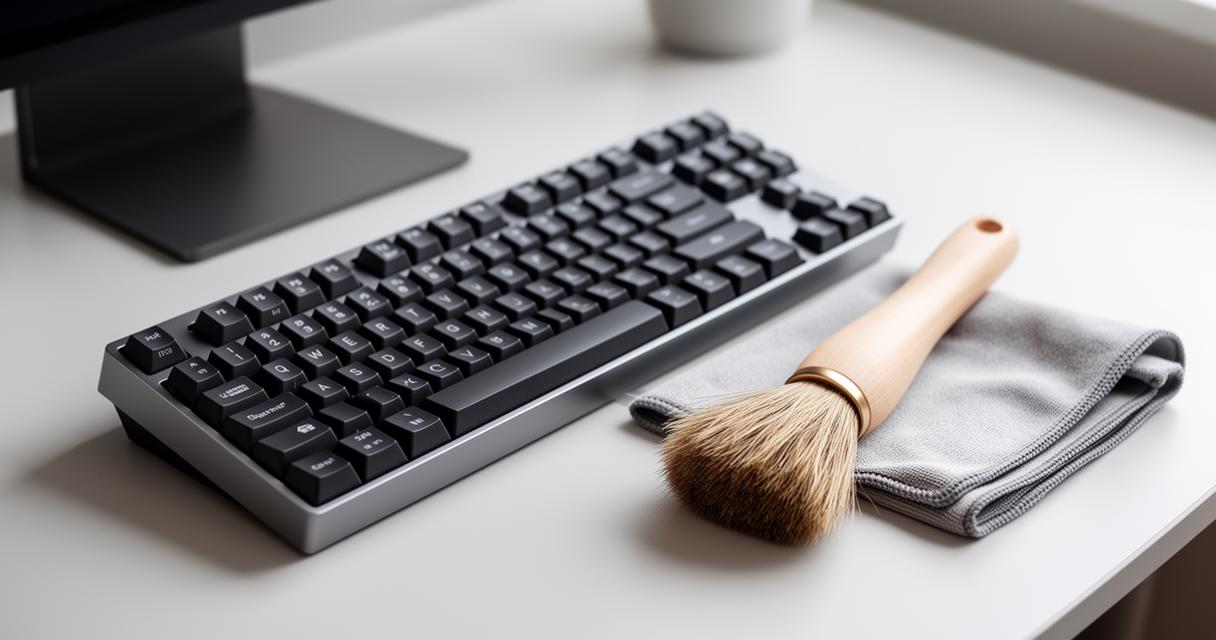
For those who want a complete solution, comprehensive cleaning kits are widely available on Amazon and typically include wipes, cotton swabs, and sprays designed specifically for screens and other electronic components. These kits take the guesswork out of maintenance, offering everything in one convenient package. They're particularly useful if you're managing multiple devices, from keyboards to monitors, and want a consistent standard of care across your entire setup.
Ultimately, whichever method you choose, the key is consistency. Lifehacker offers plenty of practical technology advice on this front, and their guidance consistently points to one simple truth: regular, gentle cleaning beats occasional deep scrubbing every time. Your keyboard will thank you with smoother keystrokes, fewer sticky moments, and a longer working life overall.